Concept slide for a shopping-collection app showing the three ways to…
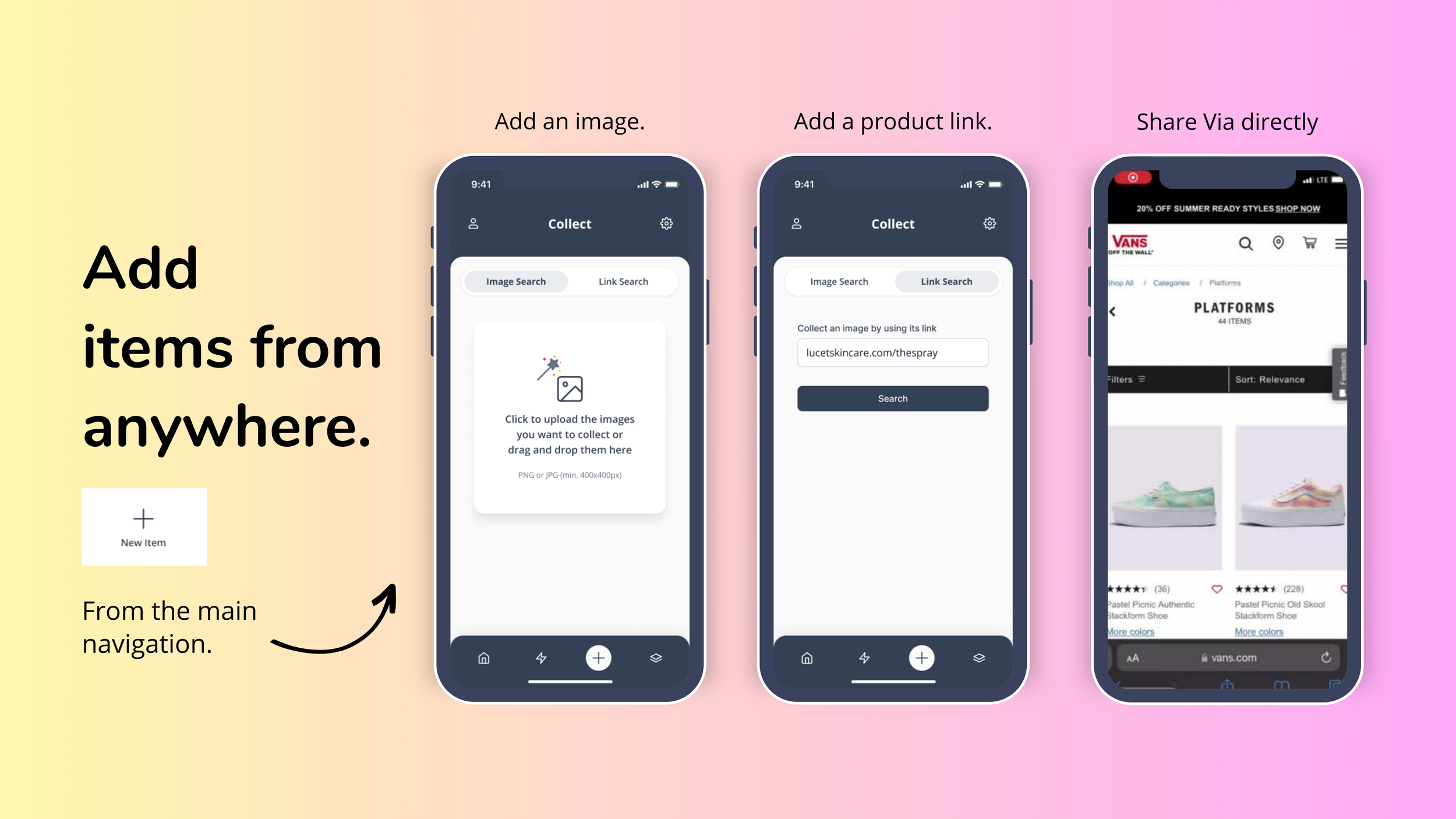
Concept slide for a shopping-collection app showing the three ways to capture a product: upload an image, paste a product link, or share directly from a retailer site.
Transcribed from the asset above and checked against the record. Figures are reproduced as printed, including where the original is itself a claim rather than an audited number.
Add items from anywhere.
+ New Item — From the main navigation.
Add an image. / Add a product link. / Share Via directly
Collect — Image Search / Link Search
Click to upload the images you want to collect or drag and drop them here — PNG or JPG (min. 400x400px)
Collect an image by using its link — lucetskincare.com/thespray — Search
20% OFF SUMMER READY STYLES SHOP NOW — VANS OFF THE WALL — Shop All / Categories / Platforms — PLATFORMS 44 ITEMS — Filters — Sort: Relevance — Pastel Picnic Authentic Stackform Shoe (36) — Pastel Picnic Old Skool Stackform Shoe (228) — More colors — vans.com
- Source
- Shopping App →
- File
- /creative-assets/shopping-app/2b108000_Home.png
- Description
- Slide reading 'Add items from anywhere' with three phone mockups: image upload, link search and a Vans page share sheet